Replace Audio Path
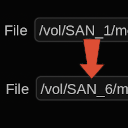
Perform a find and replace on audio paths.
Useful when your audio files have moved to a different storage path. To use, select Find & Replace Paths under the main Scene menu.
Installation
Place FindReplacePath.py into the /vol/.support/scripts folder which is the same as
- Linux: /usr/fl/scripts
- MacOS: /Library/Application Support/FilmLight/scripts
Restart Baselight or select Views > Scripts >  > Reload Scripts… to load.